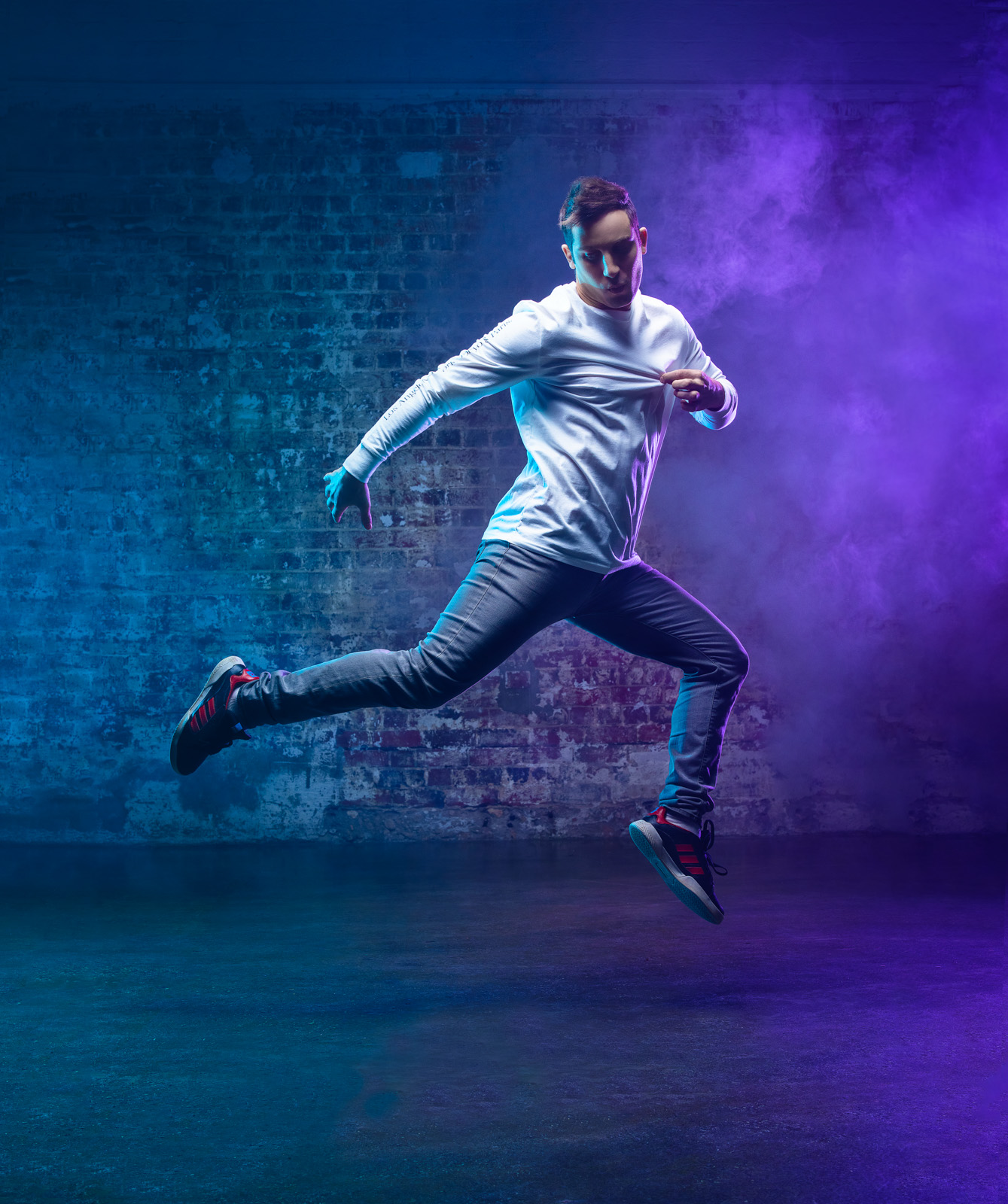
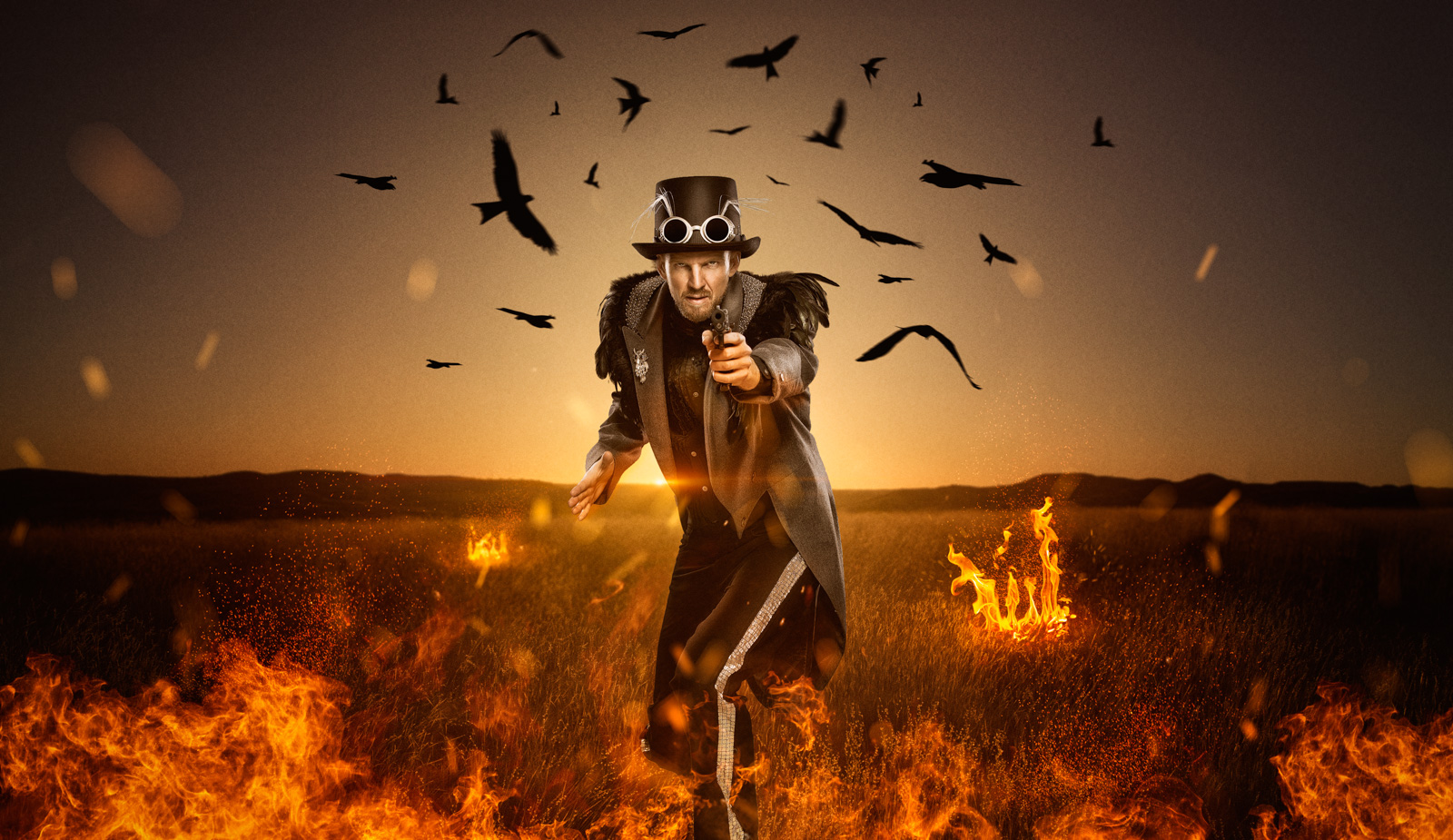
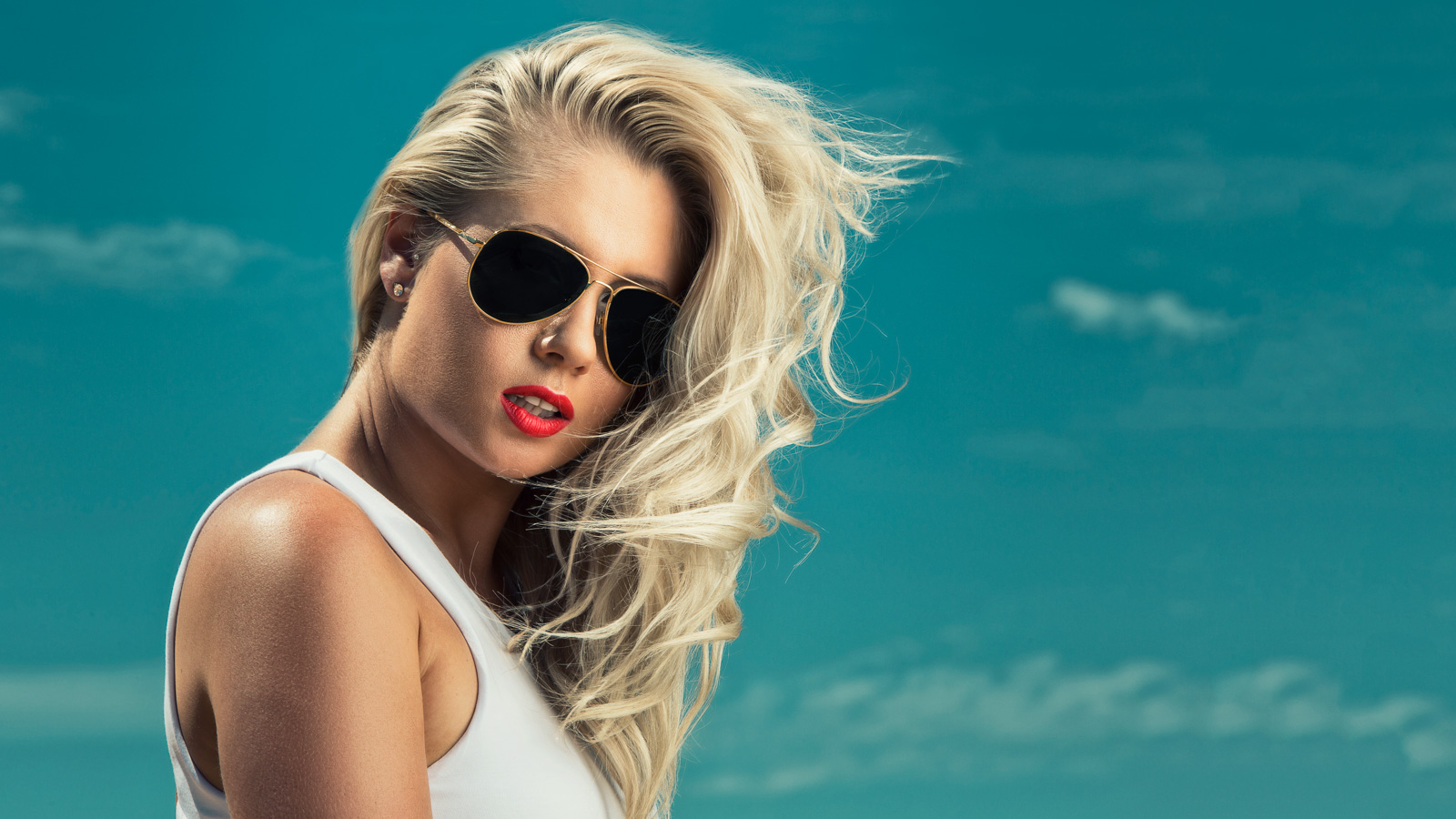
This is one of my favourite composites that I did for one of my clients Top Shelf Entertainment. It was part of a series of images I had to do for the launch of their new website. Originally this photo wasn’t meant to be a composite, I was simply going to utilise the gritty concrete wall but after some further consideration we decided to turn these into some more creative and visually interesting composites!
Thanks to Photoshop, extracting someone off a background is fairly easy these days, but it still requires you to know what you’re doing and I’d definitely shoot it on a grey or plain background if I had the choice.
TAKING THE PHOTO:
So lets look at the lighting setup first. I had two big softboxes setup behind my subjects. They were 120 x 80cm sotboxes from a very old Visico studio kit I purchased years ago. being a location shooter I never invested any further in studio lights, I opted for battery powered packs instead. The lights these softboxes were attached to were also Visico, and were capable of about 400 WS each. These required power so I ran a couple extension leads to them from the kitchen of the warehouse we were at. Now these two softboxes were my rim lights and I used softboxes so the light would wrap around my subjects a bit better. They were sitting roughly on a 45 degree angle to my subject.
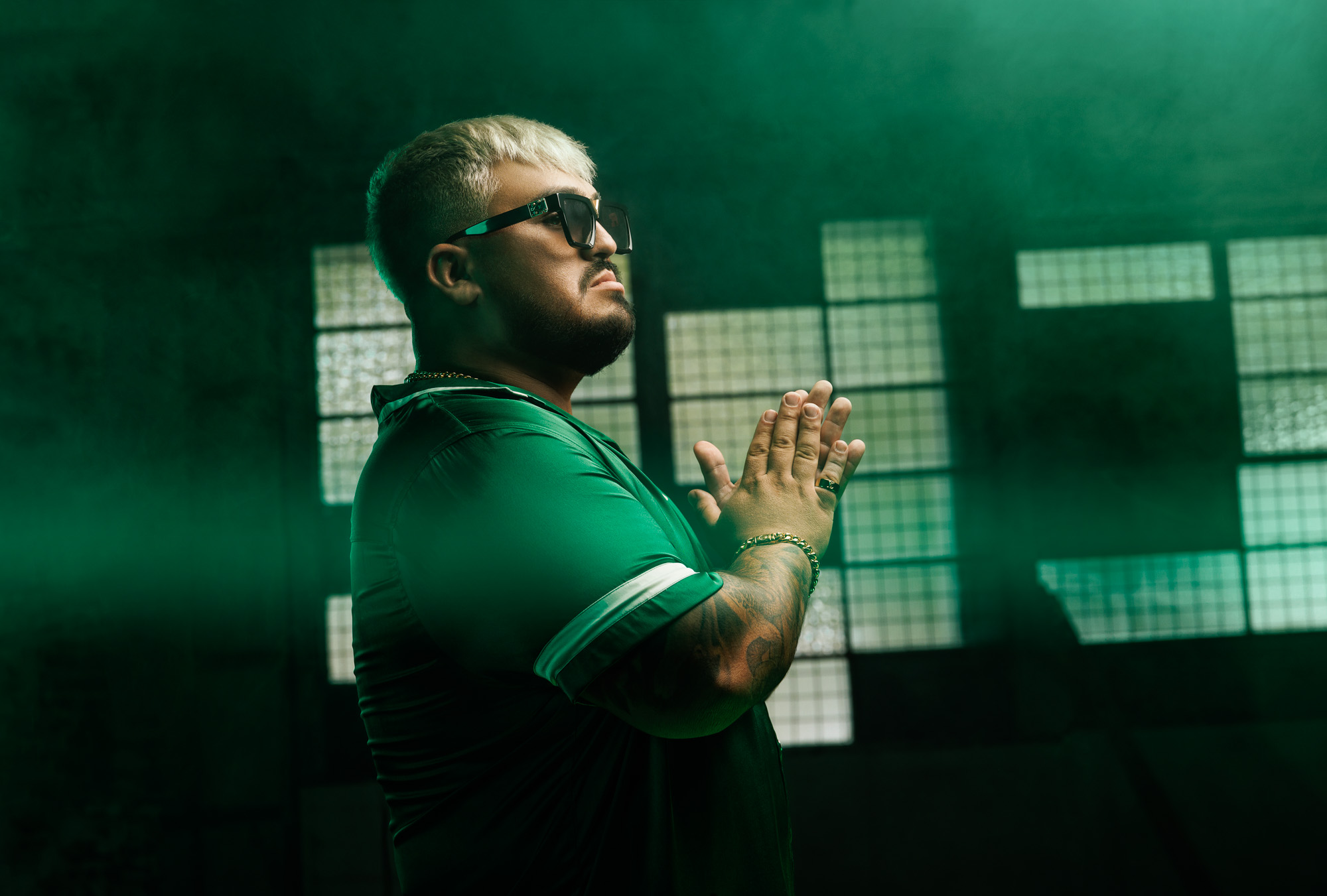
Up front as my main light I had my Elinchrom Ranger RX Speed AS with one Action head firing through my 100cm Elinchrom Deep Octa rotalux softbox. I had it positioned fairly high and angled downwards.
I chose the 100cm Deep Octabox over the larger Octaboxes because for male models I don’t want the light to be too soft. If the light source is too large and soft then it will fill in all the shadows around the subjects muscles and you will lose all that definition that you really need!
CREATING THE COMPOSITE IN PHOTOSHOP:
Unfortunately I don’t have time to go into all the details but I’ll run through the basics. I started off by using some various techniques to extract as much detail from the photo as I could and then proceeded to clean up the image such as a lot of the creases in the clothing and also fixing the shoes.
To place my ninjas on a different background, I didn’t actually cut my subjects out. I used a different approach. An approach where there is no need for any pen tools or selections or anything like that. How did you put them on a different background I hear you ask? Well I actually used a much different technique which works really well but only if you take the photo correctly. I originally learnt the technique off a friend of mine, German photoshop guru Calvin Hollywood. The technique makes use of the blending modes offered to us in photoshop, more specifically the overlay blend mode. If you can shoot your subjects on a 50% grey background or at least as close as you can get to that, you can use this technique.
In photoshop, place your NEW background on a layer, above your original photo with your subject. Then simply set the blending mode of this top layer to overlay. Yep, that’s it. So easy! So all the grey areas in your original photo will now be replaced by the new background image, at least it will look that way. The best part about this technique is that it retains the shadows created by your subjects in the original photo. If you look at my final ninja image, the shadows from the two ninjas were from the original photo! Once you perfect this technique it saves so much time. Obviously it isn’t a solution all the time. In this particular instance it didn’t work perfectly. I never intended to use this technique so we didn’t have a nice grey background, it was a very textured light grey background. So once I applied this technique in photoshop, I still have to create a mask and just mask out a few bits of the new background so it didn’t block my ninjas at all. Still much easier than having to cut them out.
Once that was all done I added some subtle colour to enhance the image. I applied a yellow to blue gradient across the image to establish each ninjas territory and help emphasise how they are clashing together. Finally some dodge and burning and some sharpening and it’s pretty much done.
Thats all for now…
Brodie.
Follow me on twitter: http://www.twitter.com/brodiebutler31
Follow me on Facebook: http://www.facebook.com/brodiebutlerphotography