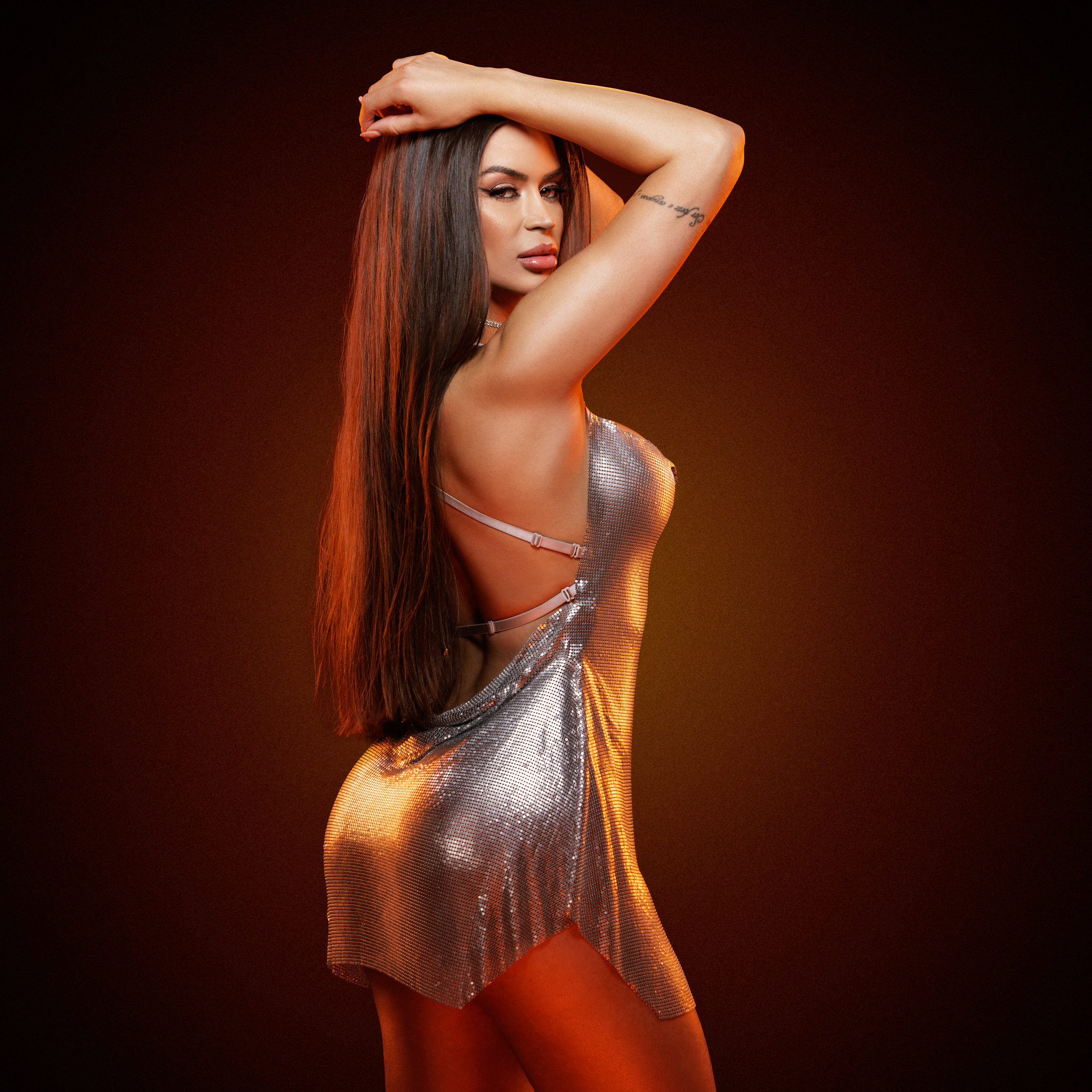
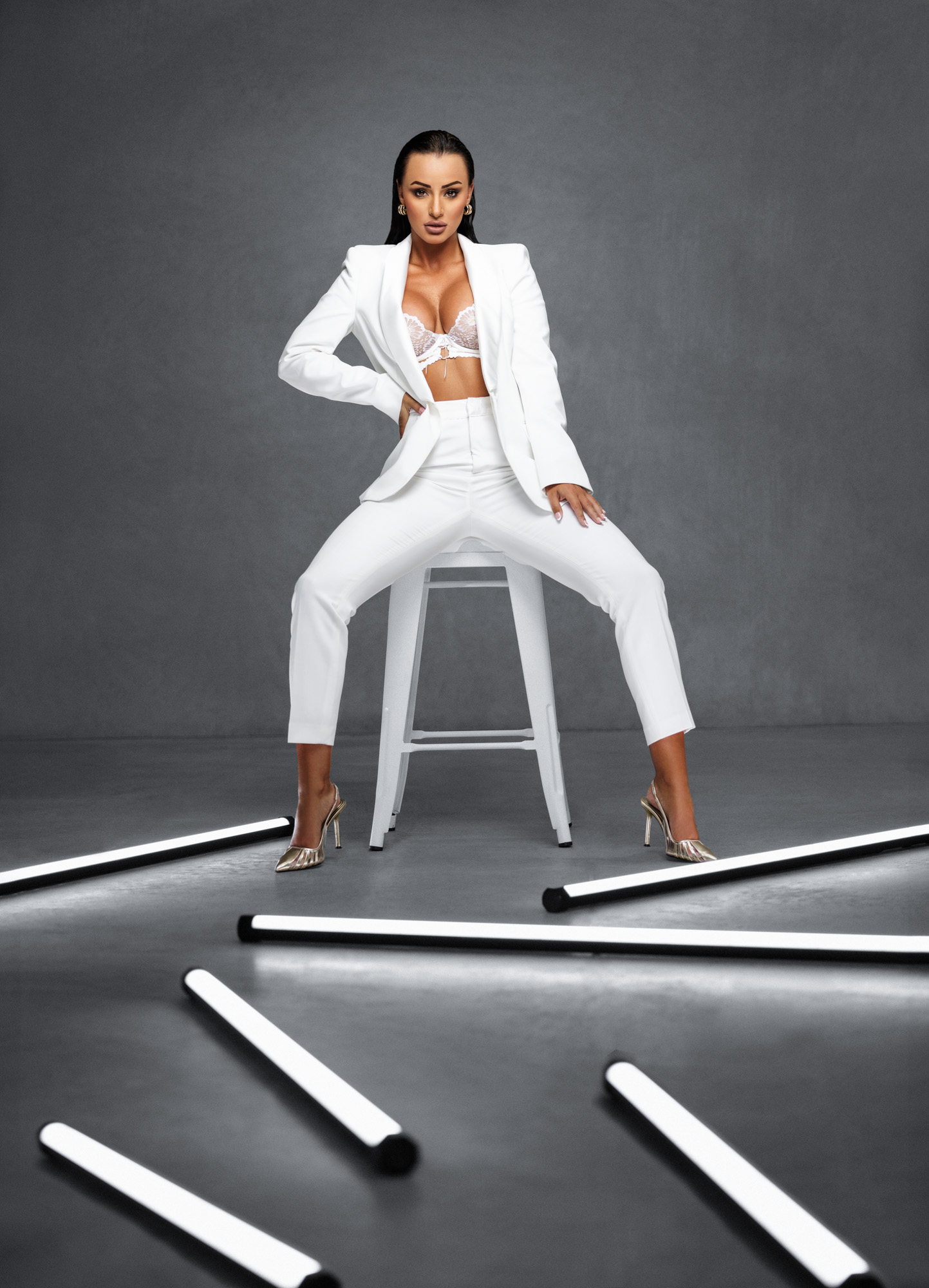
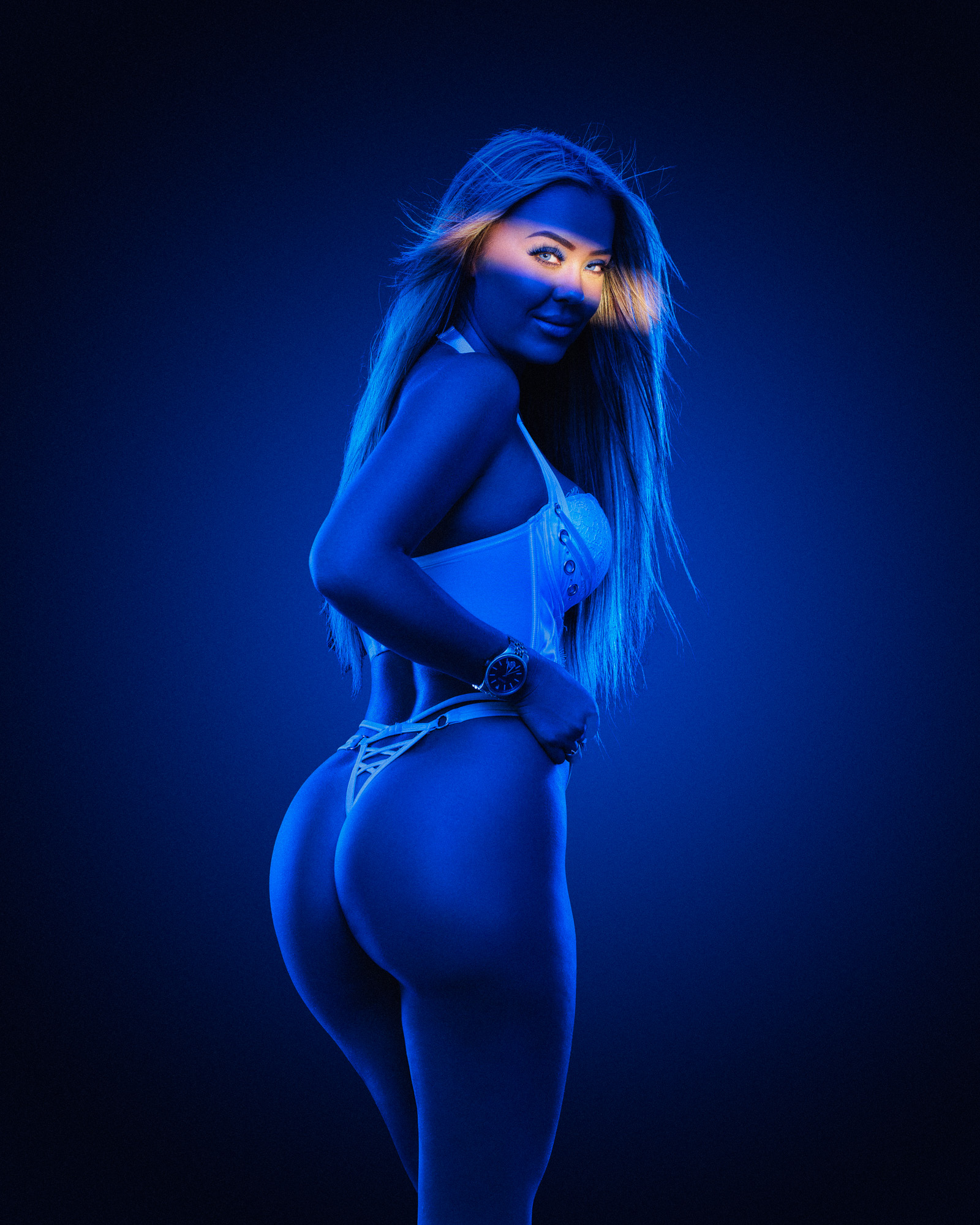
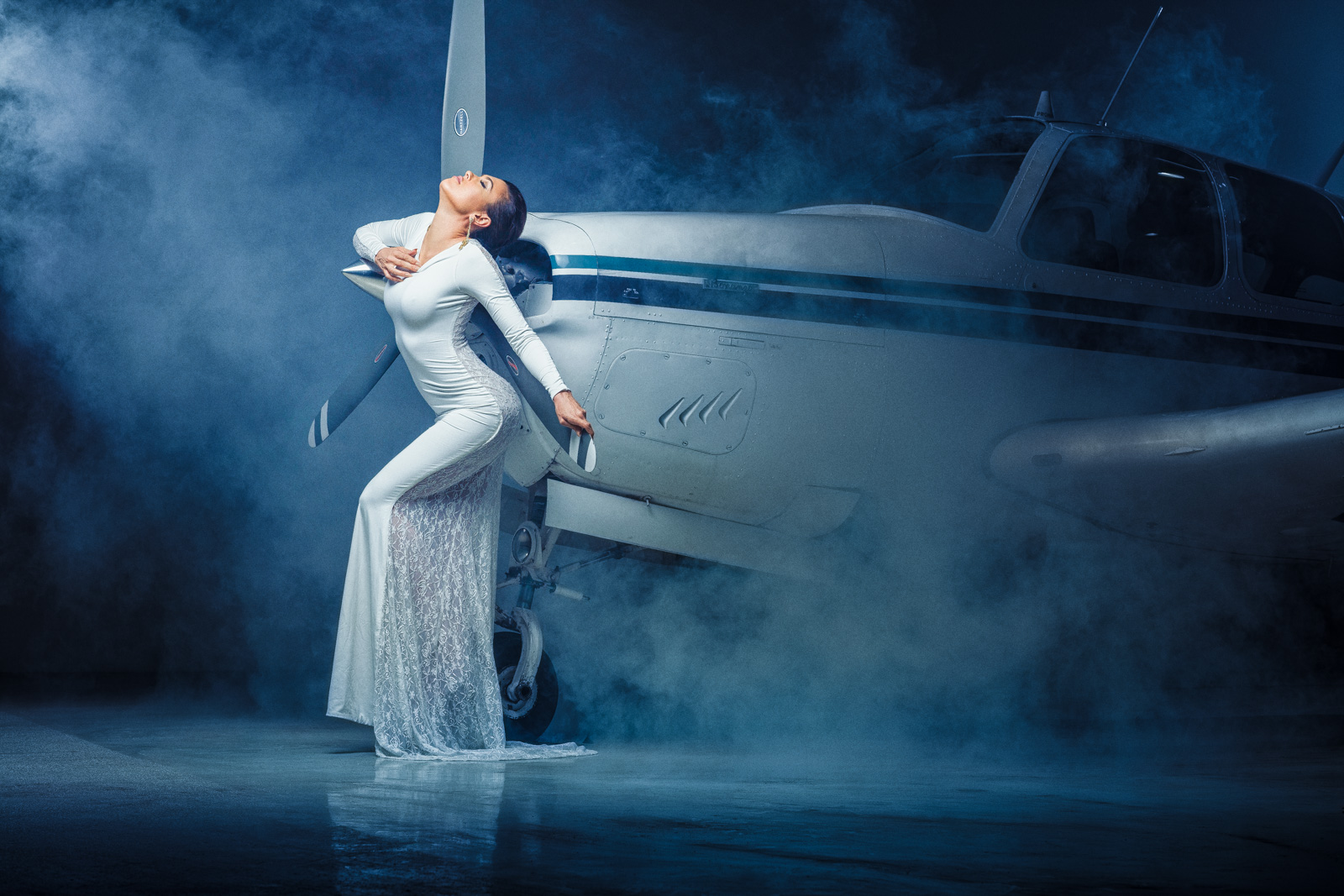
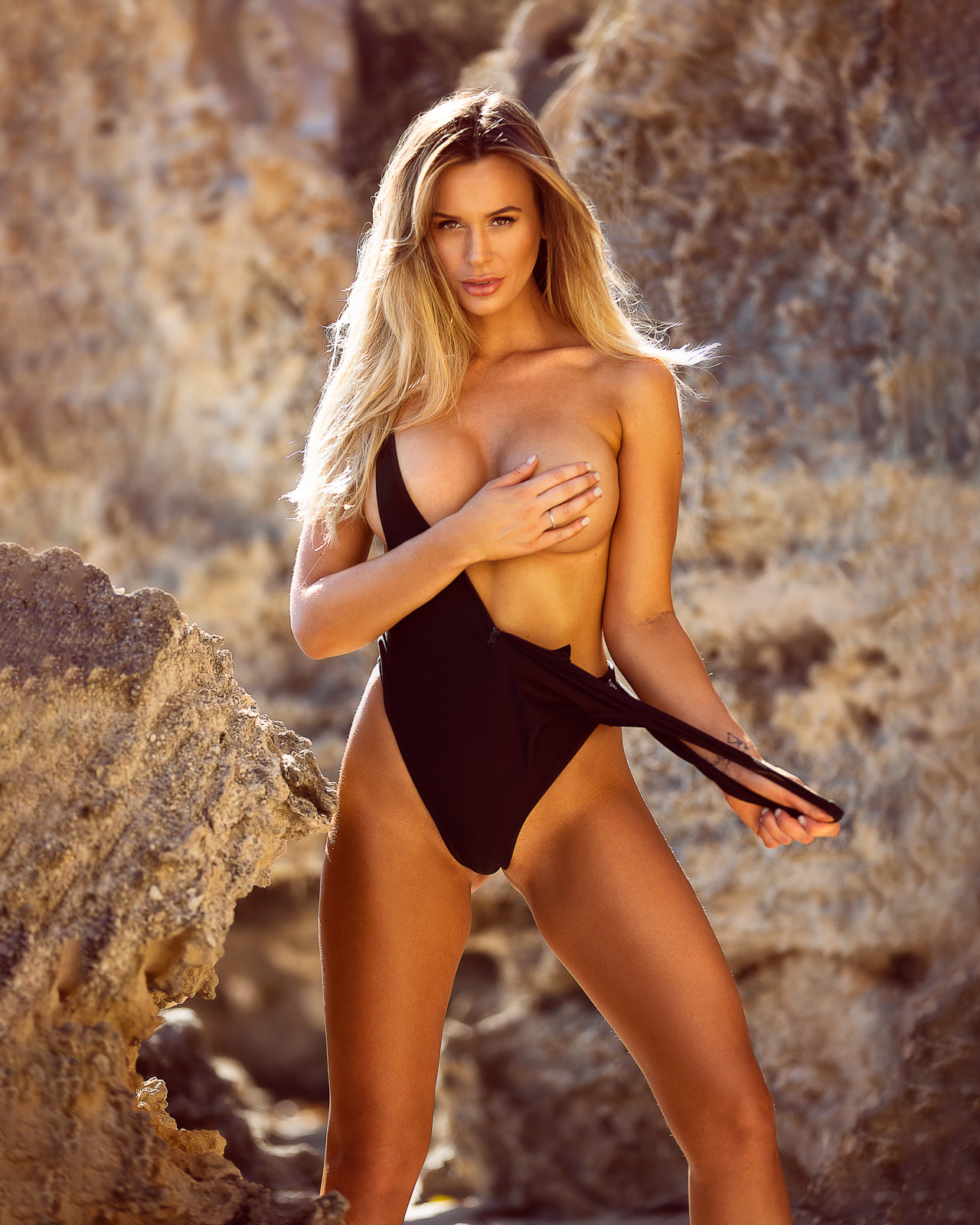
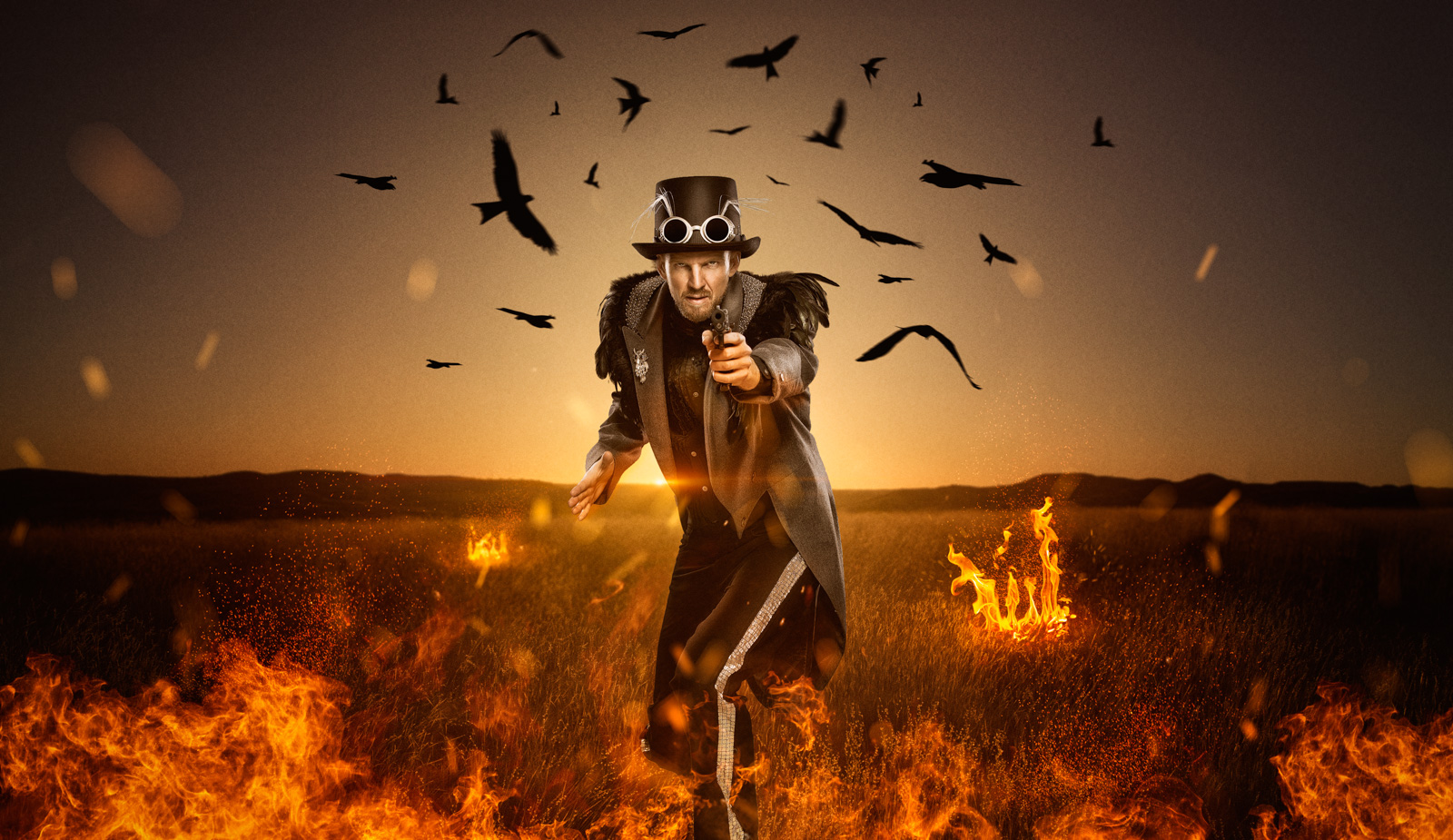
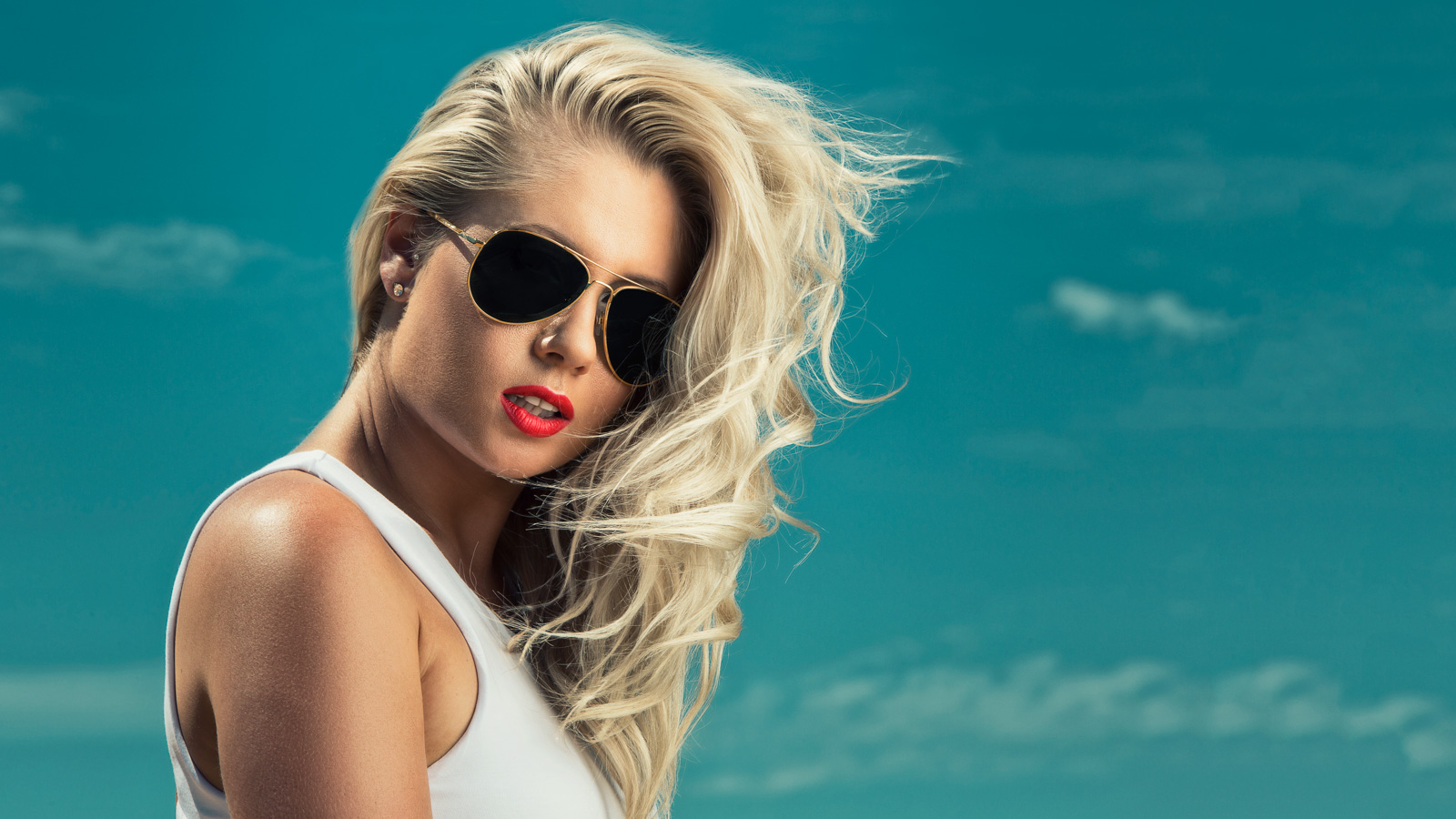
Shooting glamour doesn’t really give me a lot of opportunities to get overly creative in Photoshop, and being such an avid Photoshop user I have started looking for more creative outlets, hence this image above. You may remember Ally Hayward above from a prior blog post with some very hot glamour images we took together in Sydney. See the photos HERE. We teamed up a second time and experimented with a little Angelina Jolie styled action.
This photo was taken with 2 strobes firing off an Elinchrom Ranger RX Speed AS kit. To the left of camera just in front of Ally was an Elinchrom 53″ Octa, and I placed a bare strobe behind her to the right. Shot on my 5DMKII with a 70-200mm IS 2.8 L series lens.
I gave Ally a nice retouch on the skin but kept as much texture and enhanced the details as best I could. I desaturated the photo except for a tiny bit of purple in her hair which I saturated. The ray of light is purely thanks to a little photoshop trick I learnt from Calvin Hollywood. Then a bit of dodging and burning as well as applying a texture to her surroundings and I was done in Photoshop. In lightroom I then applied a split tone effect. I applied a blue hue to the shadows and a yellow tone to the highlights but it was very subtle. A gentle vignette finished off the image.
Stay tuned for more images in this series!


Brodie this looks amazing! Great photoshop skills!
Looks fantastic Brodie!! Well done! : )
Great photo!
Do you have a specific link to Calvin’s tutorial that explains how to make the ray of light? I just spent an hour going through the link to his website that you provided but could not find it.
Thanks!
Sorry Doug I don’t have a link because Calvin showed me in person. It might be on his DVD but I cant be sure. I am running photoshop tutorials starting in January on the blog so how about I add this to the list for you! I’ll push it towards the beginning as well.
That would be awesome, I will follow your blog with great interest! Thanks again!